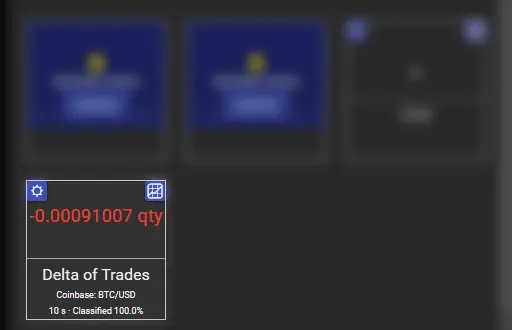
Delta of Trades
Shows which side has been taking liquidity over the last few seconds: buy-taker volume minus sell-taker volume over a window of 1 to 60 seconds. Runs on one feed or on up to 8 feeds combined.
Methodology & Operational Notes
Delta of Trades shows which side took liquidity over the last few seconds. The taker, also called the aggressor, is the order that executed against a resting order. Delta = buy-taker volume minus sell-taker volume over the window. Trades means executed quantity, not a count. Older trades drop out as the window moves, even when no new trade arrives.
How It Works: 1. Window: 1 to 60 seconds, 10 s by default, on this app's arrival clock 2. Side: Reported, the default, uses only the taker side the feed sends. Inferred adds a side for trades the feed left unsigned, from the best bid and ask. Above the midpoint is a buy and below it is a sell. At the midpoint the trade is compared with the previous trade price, a simplified form of Lee and Ready (1991). A trade at the midpoint with no price change stays side unknown. A reported side is never replaced. Both shows reported and inferred volume apart, with inferred volume hatched 3. Side unknown: volume with no side, reported or inferred, is shown separately. It is not counted in Delta and is not a sign of balance 4. Venues: one feed, or 2 to 8 feeds combined
Classified = (Buy + Sell) / (Buy + Sell + Side unknown), the share of volume with a reported or inferred side. It is not accuracy, and 100% does not mean no trade was missed.
Every trade has a buyer and a seller. Delta of Trades counts which side took liquidity, not how many buyers or sellers there were. It describes past trades and does not forecast price: it can be positive while the price is flat or falling.