Release ledger

Changelog

A public, sanitized ledger of released VisualHFT Terminal builds. These entries cite private product-release tags; the open-source repository keeps a separate project-history changelog.

Beta Latest

v0.1.16-beta.2

Market Ratios and Market Event Stats return to the Predictive dashboard

A beta build that puts the Market Ratios and Market Event Stats tile groups back on the Predictive dashboard and fixes wide and Parquet exports of sessions larger than about 2 GB.
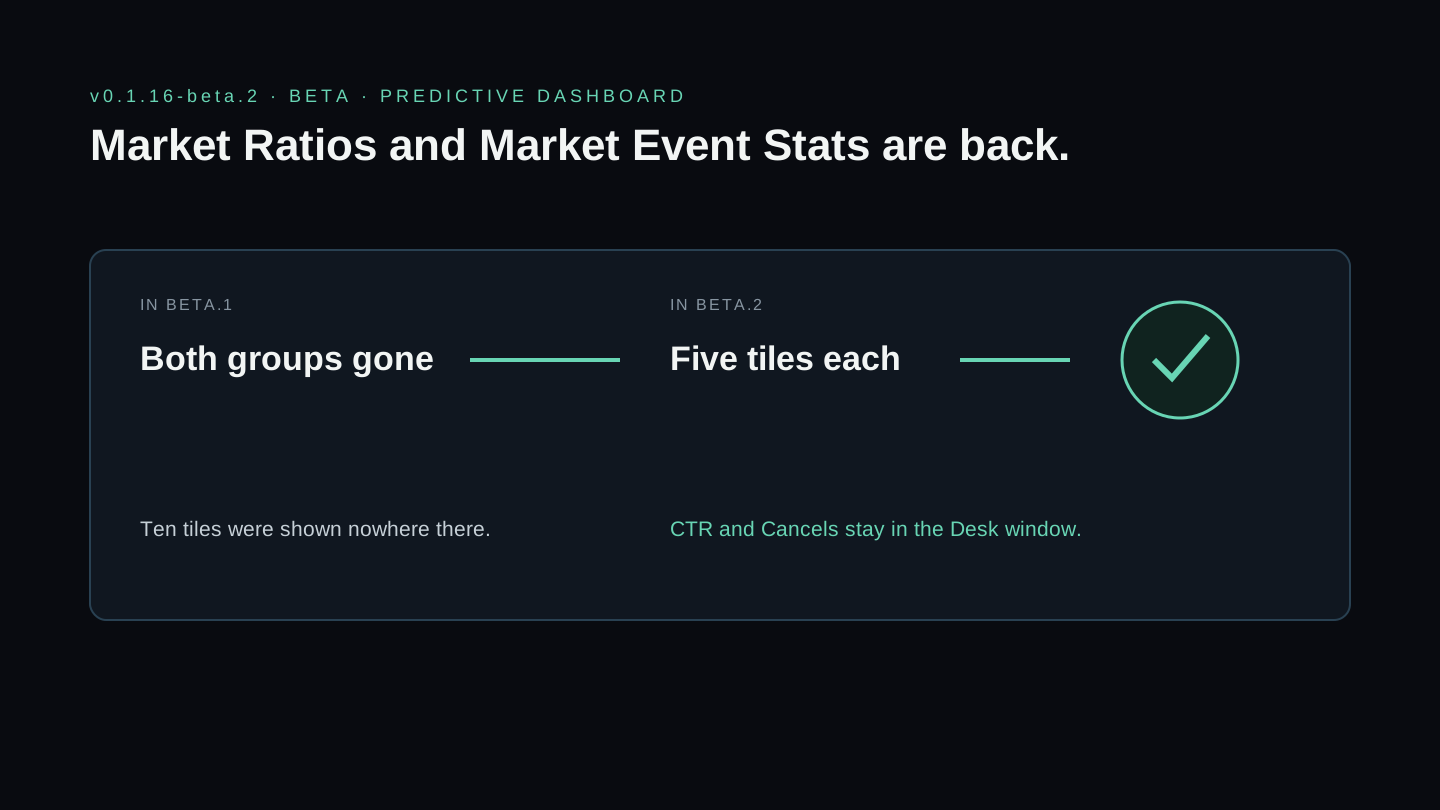
VisualHFT v0.1.16-beta.2: in beta.1 both the Market Ratios and Market Event Stats groups were gone from the Predictive dashboard; in beta.2 both are back with five tiles each, and CTR and Cancels stay in the Desk window
Both groups are back on the Predictive dashboard; CTR and Cancels stay in the Book Toxicity Index Desk window.

This beta build fixes a dashboard problem from v0.1.16-beta.1 and an older export problem.

Market Ratios and Market Event Stats are back

In v0.1.16-beta.1 the Market Ratios and Market Event Stats groups left the Predictive dashboard, all twelve tiles, when the Book Toxicity Index Desk was added there. The Desk shows only two of them: CTR and Cancels. The other ten were shown nowhere on that dashboard. Both groups are back in their old places with five tiles each. CTR and Cancels are in the Desk window, opened from the Book Toxicity Index card, and the group charts still plot them.

A tile now leaves a dashboard only when a Desk on that dashboard shows it. Two Desks sit on the Predictive dashboard. Together they take nine tiles off it: VPIN, MR, the standalone OTR (count), TTO, LOB Imbalance, CTR, Cancels, Depth Chart and LOB TimeSeries Chart. Every other tile stays, including the OTR (count) tile inside Market Ratios. The Liquidity & Order Flow Monitoring dashboard still shows all of these tiles and both full groups.

The two groups share their instrument with the Book Toxicity Index Desk. Changing it in one place changes it in the other.

Large session exports

Wide, wide-book and Parquet exports of a recorded session larger than about 2 GB stopped with a file-size error. They now read the file in pieces. Long-format CSV export already handled large files. A large export still needs enough free memory to hold the session.

Carried over from beta.1

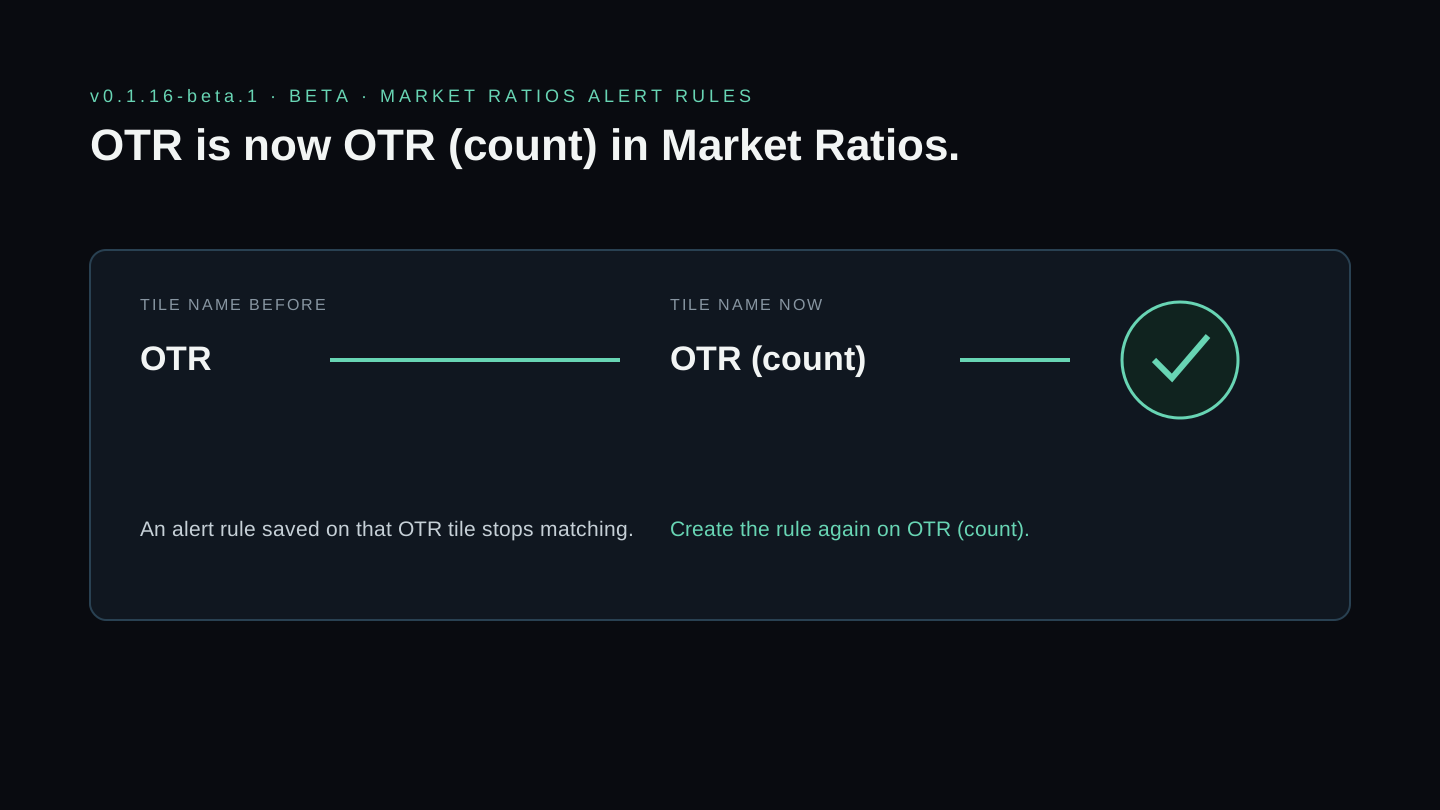
The order-to-trade tile in the Market Ratios study is named OTR (count). An alert rule saved on that tile under its old name OTR no longer matches; create it again on OTR (count). Rules on the standalone Order-to-Trade Ratio study are not affected.

Operator impact

This is a beta build. It connects to the test environment, and payments use test cards. It is not yet the stable release.

Highlights

  • Market Ratios and Market Event Stats are back on the Predictive dashboard, five tiles each. CTR and Cancels stay in the Book Toxicity Index Desk window.
  • A tile now leaves a dashboard only when a Desk on that dashboard shows it.
  • Wide, wide-book and Parquet exports of a recorded session larger than about 2 GB no longer fail.
Source: v0.1.16-beta.2
private github release
Beta

v0.1.16-beta.1

OTR becomes OTR (count); plans start at Core

A beta build that renames the order-to-trade tile in Market Ratios, removes the free plan from the app, and adds two Desks to the Predictive dashboard.

VisualHFT v0.1.16-beta.1 Market Ratios tile name changing from OTR to OTR (count), with the instruction to create saved alert rules again
An alert rule saved on the Market Ratios tile named OTR stops matching; create it again on OTR (count).

This beta build renames one tile, changes how accounts without a plan enter the app, and adds two Desks.

Alert rules on the Market Ratios OTR tile need to be created again

The order-to-trade tile in the Market Ratios study is now named OTR (count). The Trigger Engine matches a rule on a study’s child tile by the study and the tile title, so an alert rule saved on the OTR tile no longer matches after the update. Create the rule again on OTR (count). Alert rules on the standalone Order-to-Trade Ratio study and on other studies are not affected.

Plans start at Core

The app has no free plan. A signed-in account without an active plan is sent to the plan picker, where Core and Pro are offered and a link leads to the public GitHub project. If a plan ends while the app is open, paid plugins stop and one dialog says so.

Desks and studies

The Book Viewer Desk shows the book, the top-of-book imbalance and the depth strip for one instrument in one tile. The Book Toxicity Index Desk shows the index score from 0 to 100 with its band, beside VPIN. Both sit on the Predictive dashboard. LOB Imbalance gains a Touch Weighted option, VPIN and TTO each gain a corrected form that is off by default, and the OTR and TTO charts show the market mid price on per-order books. Binance trades now show the correct buy or sell side, and an error in one study no longer stops other studies.

Operator impact

This is a beta build. It connects to the test environment, and payments use test cards. It is not yet the stable release.

Highlights

  • The order-to-trade tile in the Market Ratios study is now OTR (count). Alert rules saved on that tile must be created again.
  • The app has no free plan. An account without an active plan is sent to the plan picker, which links to the public GitHub project.
  • The Book Viewer Desk and the Book Toxicity Index Desk join the Predictive dashboard.
Source: v0.1.16-beta.1
private github release
Stable

v0.1.11

Encrypted plugin delivery on clean installations

The stable release that completed the plugin-delivery path and proved encrypted plugins on a clean Windows installation.

VisualHFT v0.1.11 delivery path from release package and encrypted plugin through verification, dependency checks, and plugin load
Released plugins are delivered, verified, discovered, entitled, and loaded through the product path—not copied from developer output.

This release completes the production plugin-delivery correction introduced after clean-machine testing exposed a difference between developer output and the installed application.

The acceptance run used an isolated Windows environment, the release-shaped installer, and a real encrypted plugin package. The result established that encrypted delivery, discovery, entitlement, and loading complete on a machine without a developer workspace.

Operator impact

Users receiving an entitled plugin through the released catalog no longer need a plaintext development copy for the plugin to load. Upgrade from earlier 0.1.x builds when using delivered plugin packages.

Highlights

  • Encrypted plugins now load on a clean installation.
  • The release was validated against the production-shaped installer and plugin catalog.
  • Plugin discovery accounted for all packaged entries with no load failures in the acceptance run.
Source: v0.1.11
private github release
Stable

v0.1.8

Plugin dependency isolation on installed builds

A stable release constraining plugin dependency maps to declared, verified dependencies after clean-machine testing exposed an application-load-context failure.

VisualHFT v0.1.8 plugin dependency map changing from installed-directory sweeping to declared SHA-256-verified dependencies
Each plugin now resolves only the dependencies declared for its package instead of inheriting the installed application directory.

Clean-machine testing found that an installed plugin could build its private dependency map from the entire application directory. That allowed framework and WPF assemblies to enter the plugin load context and fail during UI resource resolution.

The loader now constructs the map from declared dependencies only, verifies those dependencies, and leaves the map empty when a package declares none. A plugin that has already loaded into memory also no longer falls back to a plaintext twin after a later encrypted-package failure.

Operator impact

This release is an intermediate repair in the plugin-delivery sequence. Use v0.1.11 or newer for the complete clean-install encrypted-plugin acceptance path.

Highlights

  • Stopped plugin load contexts from sweeping every assembly beside the installed application.
  • Scoped dependency loading to declared, SHA-256-verified dependencies.
  • Added a release-shaped solution build gate and documented the customer-fidelity test boundary.
Source: v0.1.8
private github release
Stable

v0.1.4

GPU stability and replay trigger evaluation

A stable release correcting GPU chart context lifetime and preventing stale trigger observations from refiring during replay.

VisualHFT v0.1.4 correction of GPU graphics-context lifetime and stale replay trigger evaluation
The release corrected two separate boundaries: GPU chart context ownership and replay trigger consumption.

This release stabilizes the GPU rendering path by correcting the ownership and lifetime of the graphics context used by chart surfaces. It also prevents an already-consumed observation from being evaluated again as replay state advances.

Operator impact

Upgrade if you use GPU-enabled charts or depend on trigger rules during replay. The changes affect stability and trigger evaluation; they do not change market-data formats.

Highlights

  • Corrected a GPU zero-copy rendering crash caused by graphics-context lifetime.
  • Prevented stale Trigger Engine observations from refiring during replay.
  • Validated focused GPU, trigger, event-capture, and replay-routing suites.
Source: v0.1.4
private github release
Stable

v0.1.1

Stable channel identity correction

The first production-stable 0.1 release, correcting channel-aware desktop release identity during startup.

VisualHFT v0.1.1 stable installer channel resolving to the corrected stable startup identity
The stable installer and startup identity now agree; v0.1.0 remains superseded.

This release supersedes the original v0.1.0 stable candidate. The application now recognizes its stable-channel identity instead of applying the beta-only identity guard during startup.

Operator impact

Do not use v0.1.0. Install v0.1.1 or a newer stable version.

Highlights

  • Made desktop release identity aware of stable and beta channels.
  • Corrected a startup failure in the original stable candidate.
  • Revalidated the production installer on an isolated Windows environment.
Source: v0.1.1
private github release

New to VisualHFT? Get Started. New accounts get a 7-day trial.