Order Flow Imbalance
Shows the pressure on the displayed best bid and best ask over the last 1, 2, 3 or 5 seconds, counting changes in both price and size. Positive when the bid side grew or moved up, or the ask side shrank or moved up.
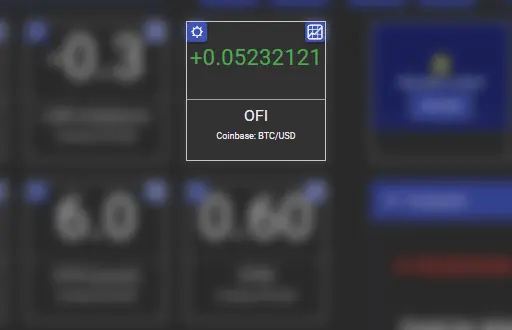
Methodology & Operational Notes
Order Flow Imbalance (OFI) measures how the displayed best bid and best ask changed over a recent window, counting both price and size. It follows the level-1 definition of Cont, Kukanov and Stoikov (2014).
How It Works: 1. Bid side: each book update adds one term. If the best bid rose, the new bid size is added. If it fell, the previous bid size is subtracted. If it held, the change in bid size is added 2. Ask side, with the opposite sign: if the best ask fell, the new ask size is subtracted. If it rose, the previous ask size is added. If it held, the change in ask size is subtracted 3. OFI is the sum of these terms over the last 1, 2, 3 or 5 seconds, 5 s by default, updated every 100 ms
Positive OFI means the bid side grew or moved up, or the ask side shrank or moved up. Negative means the reverse. It is not traded volume, and it is not the standing bid/ask balance shown by LOB Imbalance.
Limits: it counts changes at the best bid and ask only. It cannot tell a cancelled order from a filled one, and it cannot see hidden or reserve size. If a feed combines several changes into one update, the changes in between are not counted. After a start or an interruption it needs one full window of book updates before it reads. A crossed, locked or one-sided book shows no value.
It describes the recent past and does not forecast price.