Order-to-Trade Ratio
Order activity vs executed trades, by size or message count
Methodology & Operational Notes
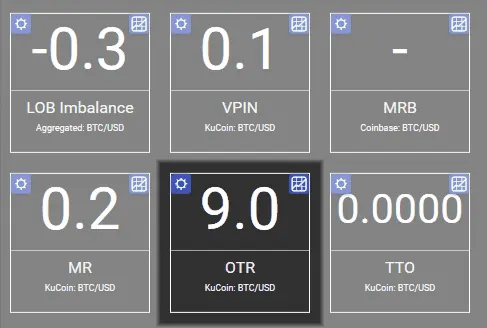
The OTR (Order-to-Trade Ratio) reports order book activity against executed public trades. The plugin settings select which of two forms the tile shows. The message-count form is the default.
Message-count form (default): OTR = (Book changes / max(Trades, 1)) - 1 per aggregation window. Book changes counts additions, removals and modifications, and a modification counts twice. On a feed of price levels, only levels inside the configured depth are counted; on a feed of individual orders, every order in the book is counted. Both sides are message counts, not size, and a window with no book changes reads exactly -1.
Volume form: OTR = (Ordered Volume / Traded Volume) - 1, where Ordered Volume = max(Added + Removed - Traded, 0). All three totals accumulate from the moment the study starts, and reset when it restarts or at the UTC daily rollover. No value is shown until a public trade has been seen.
Interpretation: a level's size leaving the book is either a cancellation or a fill, and the two look the same at this granularity. Subtracting traded size separates them in aggregate, not order by order. On a feed of price levels, only levels inside the configured depth are counted, and size can enter and leave that depth without ever being counted as withdrawn, so Ordered Volume is an approximation there; on a feed of individual orders, every order in the book is counted. How much a given reading is affected depends on how heavily the book churns at its depth limit, and that has not been measured. In the volume form, 0 means all posted size executed and higher values mean more size was posted and withdrawn per unit executed. A high reading has several ordinary causes and is not by itself evidence of manipulation. This is a market-wide figure computed from public market data, not a venue's per-member regulatory ratio.