VisualHFT Terminal configuration, status, and metric reference
Interpret common VisualHFT Terminal (Core and Pro) settings, lifecycle states, units, precision, and displayed market-microstructure metrics.
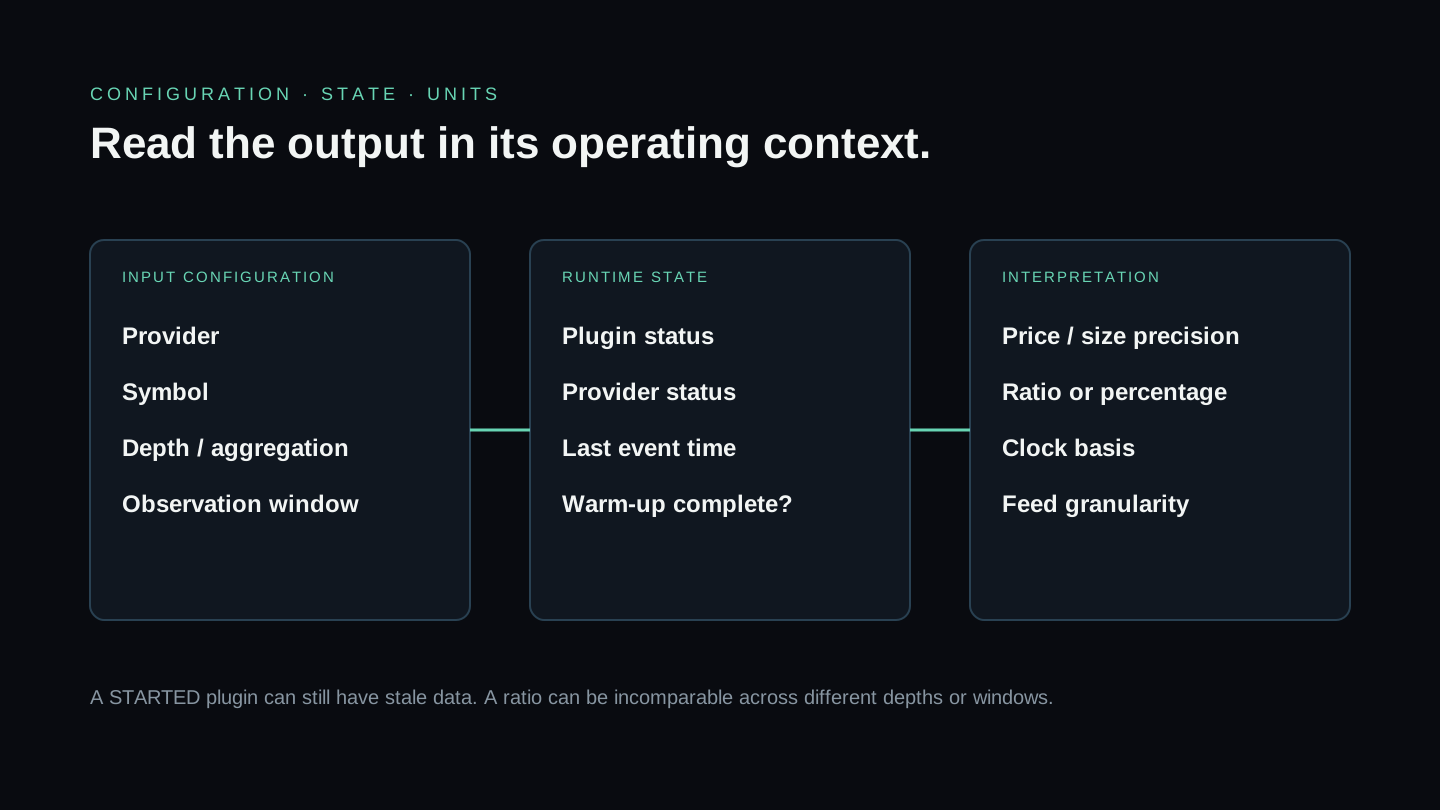
This reference covers terms shared by VisualHFT Terminal Core and Pro. A plugin can add its own settings and outputs, so its visible settings screen remains authoritative for that installed plugin version.
Common settings
| Setting | Meaning | Important boundary |
|---|---|---|
| Provider | Named market-data source published by a connector or Replay Engine | Match this value in dependent studies |
| Symbol | Instrument identifier normalized for downstream use | Connector input syntax may be venue-specific |
| Depth levels | Number of visible order-book levels requested or retained | Availability depends on the venue feed |
| Aggregation | Grouping applied to prices or updates where supported | Never compare aggregated and unaggregated books as equivalent |
| Observation window | Samples, time, or volume used by a study | Output can remain N/A until the window fills |
Plugin lifecycle states
| State | Operator meaning |
|---|---|
LOADING | The host is loading the plugin assembly and metadata |
LOADED | Discovery completed, but the plugin has not started |
STARTING | Startup or connection work is in progress |
STARTED | The plugin start path completed; verify current data separately |
STOPPING | Shutdown or disconnection is in progress |
STOPPED | The plugin is not running |
STOPPED_FAILED | A failure requires attention; inspect the notification and logs before retrying |
MALFUNCTIONING | The plugin is running with a reported failure or degraded condition |
STARTED does not prove that a venue feed is fresh. Use provider state and timestamps as independent checks.
Units, precision, and displayed values
- Prices and sizes use connector or instrument precision. Do not hardcode a universal tick or size multiplier.
- A ratio in
[-1, 1]is not a percentage unless the surface explicitly formats it as one. - Basis points use
10,000 × decimal change; inspect whether a metric uses price, mid-price, or spread as its denominator. - Durations require a named clock basis. Exchange event, connector receipt, application processing, and render time are different measurements.
- Counts depend on feed granularity. A Level 2 book update is not equivalent to one Level 3 order event.
Core metric boundaries
LOB Imbalance sums visible bid and ask size through the configured depth and calculates (bid size - ask size) / (bid size + ask size). Positive means more displayed bid size in that window; it does not predict the next trade.
VPIN in VisualHFT groups classified trade volume into buckets of equal traded volume and averages the normalized absolute buy/sell imbalance across completed buckets. Despite its name it is not a probability, and it is not a warning signal: Andersen and Bondarenko (2014, 2015) showed that the metric’s forecasting record came from its original classifier tracking volatility rather than from informed trading. Bucket volume decides what it reads — a bucket too small to hold many trades reports its own size rather than the flow, and on coin-flip sides a four-trade bucket averages 0.375 while a one-trade bucket reads 1.000. An optional corrected form classifies by the tick rule rather than against the book mid, shows nothing until a full window of buckets has closed, and shows nothing while the bucket volume is below 20 trades; because a whole trade goes to one side rather than being split fractionally, expect it to read higher than a bulk-classified figure on the same tape, so published absolute thresholds do not transfer. That expectation follows from the two constructions and has not been measured. The default form is neither a verbatim implementation of the academic procedure nor the corrected one.
Order-to-Trade Ratio compares observed book activity with public trades. It is not the member-level regulatory calculation used by a trading venue.
Market Resilience combines detected spread/depth shocks and their recovery under the plugin’s configured thresholds. Compare values only under the same configuration and feed conditions.
Use the changelog to reconcile these definitions with the deployed version. The public code guide contains implementation detail for the open-source study versions.
New to VisualHFT? Get Started. New accounts get a 7-day trial.